


Pressing a button won’t fix a photo. That’s a fantasy. The real work starts when you understand the damage—is it a single, nasty tear, or has the whole thing just faded to a ghost? You need the right tool for the job, not some magic wand.
In this 2026 roundup, we’re cracking open five of the best apps to see what they’re actually good for. Where they shine, and where they stumble. Get that straight, and you’ll save yourself a ton of frustration. Your photos deserve that much.
1. Renew Photo
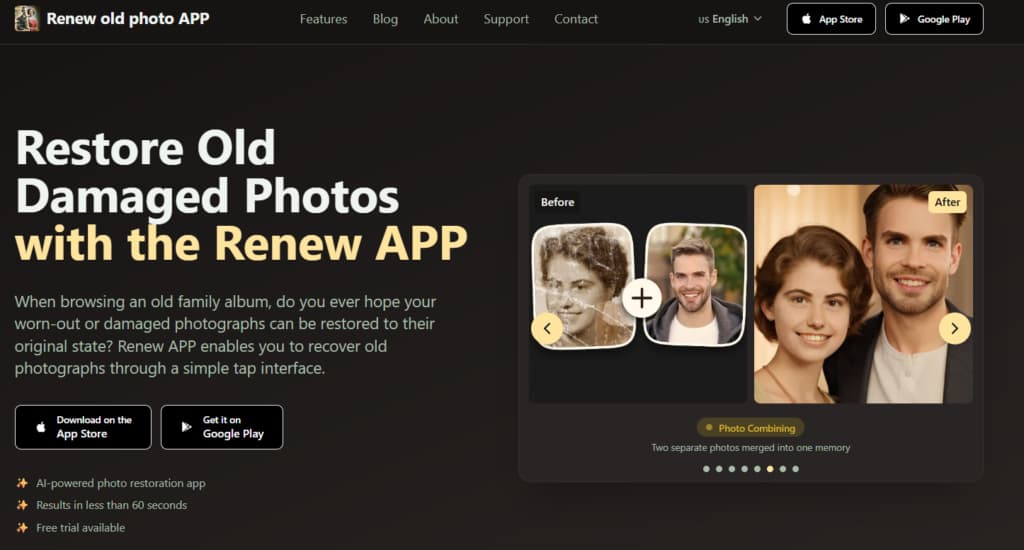
Renew App is an AI tool for restoring damaged old photos. It works on pictures that are torn, faded, or otherwise worn out. The process is fast. You upload a photo and tap a button. The app’s artificial intelligence automatically repairs the damage, producing a clear, improved version in less than a minute.
The goal is to make professional-level photo restoration simple. The interface is designed to be easy for anyone, so no technical skill or editing experience is required.
What it does:
- AI Restoration: One-tap repair for tears, fading, and damage.
- HD Enhancement: Sharpens faces and details.
- Photo Colorization: Adds color to black-and-white images.
- Scratch Removal: Erases cracks and scratches.
- Lighting Fix: Corrects photos that are too dark or bright.
- Photo Combining: Merges multiple pictures into one.
- Photo Animation: Adds subtle motion to still images.
- HD Print Quality: Makes photos ready for printing or sharing.
The takeaway: Renew is a straightforward all-in-one tool. It’s for anyone who wants to restore photos quickly without learning complex software. It balances powerful AI fixes with a simple interface, making old photo recovery accessible.
2. MyHeritage Photo Enhancer
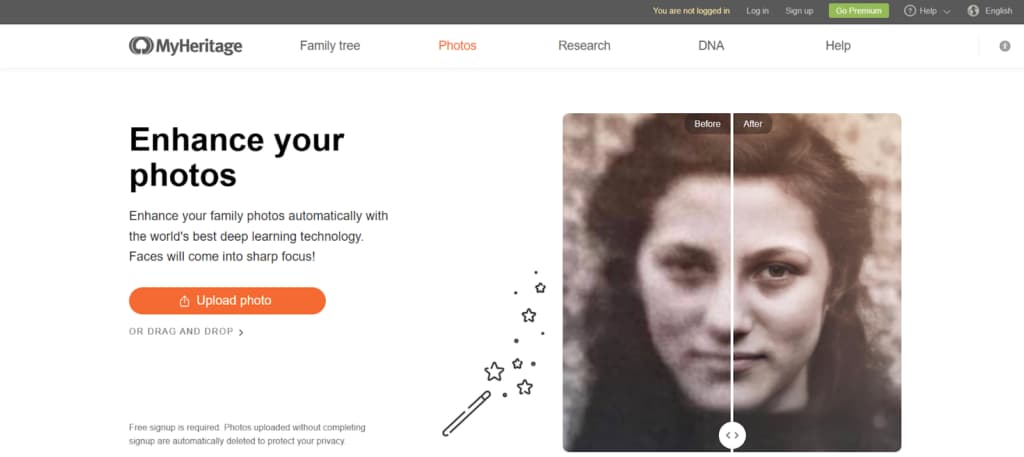
Let’s talk about MyHeritage Photo Enhancer. This tool isn’t trying to be everything for every photo. It’s built from the ground up for historical family photographs. That’s its lane. It focuses on two main things: pulling lost sharpness back into blurry faces and applying colorization to black-and-white shots. The aim is for a natural effect, which it achieves more often than not—though sometimes the skin tones can drift into that slightly waxy AI territory.
Where it really shines is for existing users. Because it’s integrated right into the MyHeritage genealogy website, it’s incredibly convenient.
Key Features:
- Sharpens and clarifies old scanned photos.
- Adds subtle, realistic color to black-and-white images.
- Specifically improves facial details in portraits.
- Integrated into the MyHeritage family tree platform.
- One-click automated processing.
Bottom line: This tool is for family historians. It’s designed to restore old family photos authentically, prioritizing a natural look over dramatic changes. If your main goal is to improve scanned pictures from a family album within a genealogy workflow, this is a focused solution.
3. Remini

Remini is a popular app for enhancing photo clarity. Its main function is to sharpen blurry images and improve details, with a strong focus on facial features in portraits and group shots. It operates with a single click, offering a quick fix for grain and fuzziness. It can also clarify text in old documents. The tool is not built for restoring physical damage.
Key Features:
- AI Photo Sharpening.
- Face Enhancement.
- Noise Reduction.
- Group Photo Enhancement.
- Fast, one-click processing.
- Document text clarification.
Remini is best for quickly improving photo clarity, especially for faces. It’s less geared toward repairing physical damage (like tears or scratches) and more toward removing blur and enhancing details. If your main goal is to make old, soft, or grainy portraits look sharp and defined, Remini offers a fast and specialized solution.
4. PhotoGlory
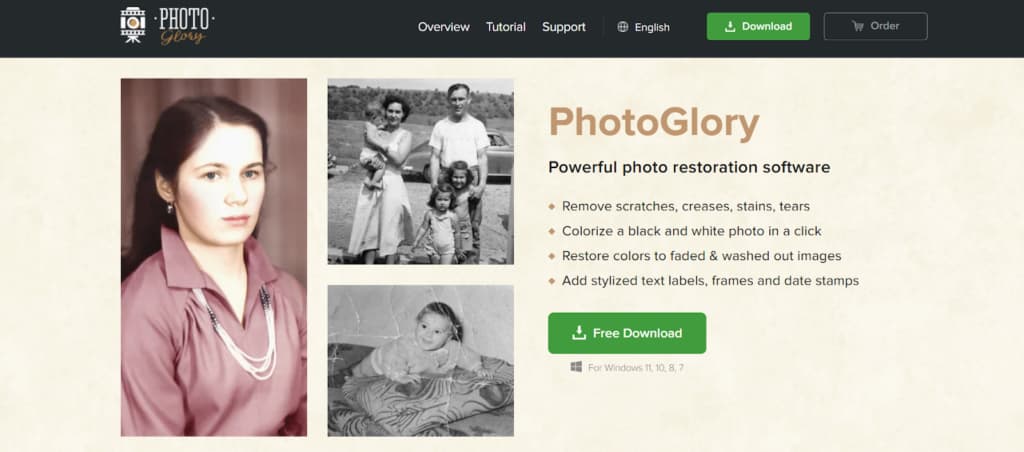
PhotoGlory is a desktop software designed specifically for restoring old photos. What sets it apart is its hybrid approach. You get AI automation to handle the initial cleanup, but it also includes a full set of manual editing tools. This gives you much more control over the final result.
That combination is key for dealing with complex damage—deep stains, multiple tears, areas where a fully automated fix just won’t cut it. Another major point: it works entirely offline on your computer. This makes it a practical choice for large projects or for processing extensive personal photo collections without relying on an internet connection.
Key Features:
- AI and manual editing tools.
- Removes scratches, tears, and stains.
- Fixes color fading and allows manual color adjustment.
- Enhances sharpness and details.
- Offline desktop application.
This tool is best for users who want a balance of AI speed and manual control for high-quality restoration. It’s suited for restoring extensive photo collections or handling complex damage that requires precise, hands-on correction. If you prefer a dedicated desktop application over a mobile app and need detailed editing capabilities, PhotoGlory provides a structured, offline workflow.
5. VanceAI Photo Restorer
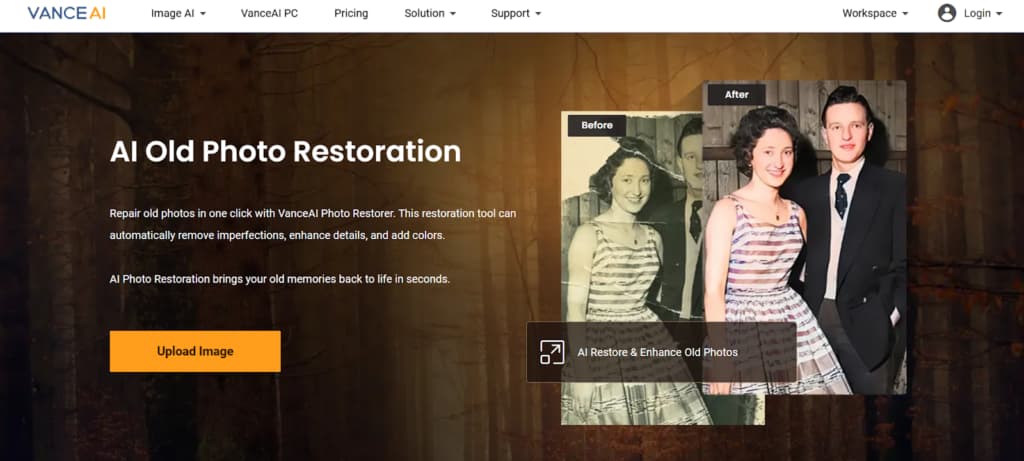
VanceAI Photo Restorer is a web tool that fixes physical damage in photos. It uses AI to remove scratches, dust spots, and cracks. It also sharpens details and can increase image resolution. Since it runs in a browser, there’s no software to install. The process is quick and simple for fast results.
Key Features:
- Removes scratches, cracks, and dust.
- Sharpens details and reduces noise.
- Upscales image resolution.
- Browser-based, no installation.
- Straightforward, quick workflow.
This is a practical web-based tool for quickly fixing photos with clear physical damage like scratches and dust. It’s a good choice for straightforward, automated restoration without downloading software.
Conclusion
Your primary goal determines the best photo restoration tool. Each application serves a different need.
Renew Photo is the comprehensive mobile solution for quick fixes. MyHeritage Photo Enhancer targets authentic restoration of historical family pictures. Remini specializes in sharpening blurry portraits with fast AI processing. PhotoGlory, as desktop software, provides detailed control for complex restoration projects. For minor repairs like scratches and dust removal through a browser, VanceAI Photo Restorer is a practical online tool.
Additional Tools Worth Knowing About
The five apps above cover most common restoration needs, but there are two more tools that deserve mention depending on what you expect from “restoration” in 2026.
RetroFix
RetroFix takes a more restoration-first approach than most mobile apps. Its strength is handling photos that are genuinely damaged—heavy scratches, faded details, uneven lighting, and worn facial features. Instead of focusing on quick cosmetic fixes, the AI is tuned to rebuild structure and clarity, especially in faces.
The workflow is still simple, but the results lean toward deeper correction rather than surface polish. In addition to restoration, RetroFix also supports photo animation, allowing users to add subtle motion once the image has been properly repaired.
It’s a solid choice when the photo itself is in poor condition and needs real restoration before anything else. You can explore it at https://retrofix.app.
Yore
Yore sits somewhere between restoration and creative reconstruction. It can restore old photos and improve clarity, but its standout feature is the ability to combine two separate photos into a single image. This makes it useful for recreating scenes that were never photographed—such as bringing together people from different time periods or repairing missing parts using another reference photo.
Yore also supports photo animation, making it one of the more flexible tools for users who want both restoration and creative output. It’s less about perfect historical accuracy and more about rebuilding memories in a visually compelling way.
For users interested in restoration plus creative AI features, Yore offers a different angle. More details are available at https://yoreapp.website.
Final perspective:
If Renew is about speed and accessibility, RetroFix is about depth of restoration, and Yore is about creative reconstruction. Choosing between them depends on whether your priority is fixing damage, reviving motion, or rebuilding moments that time erased.